About
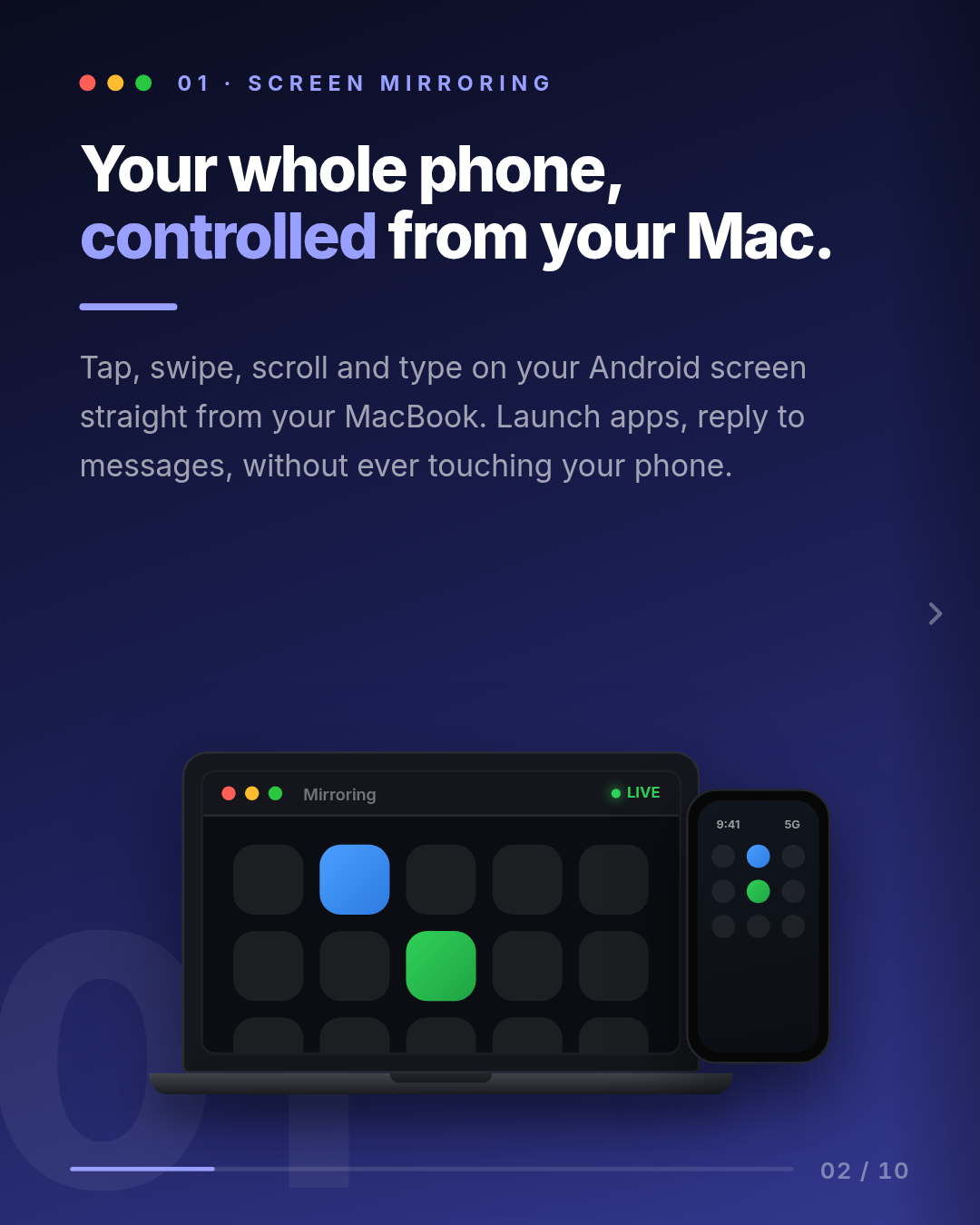
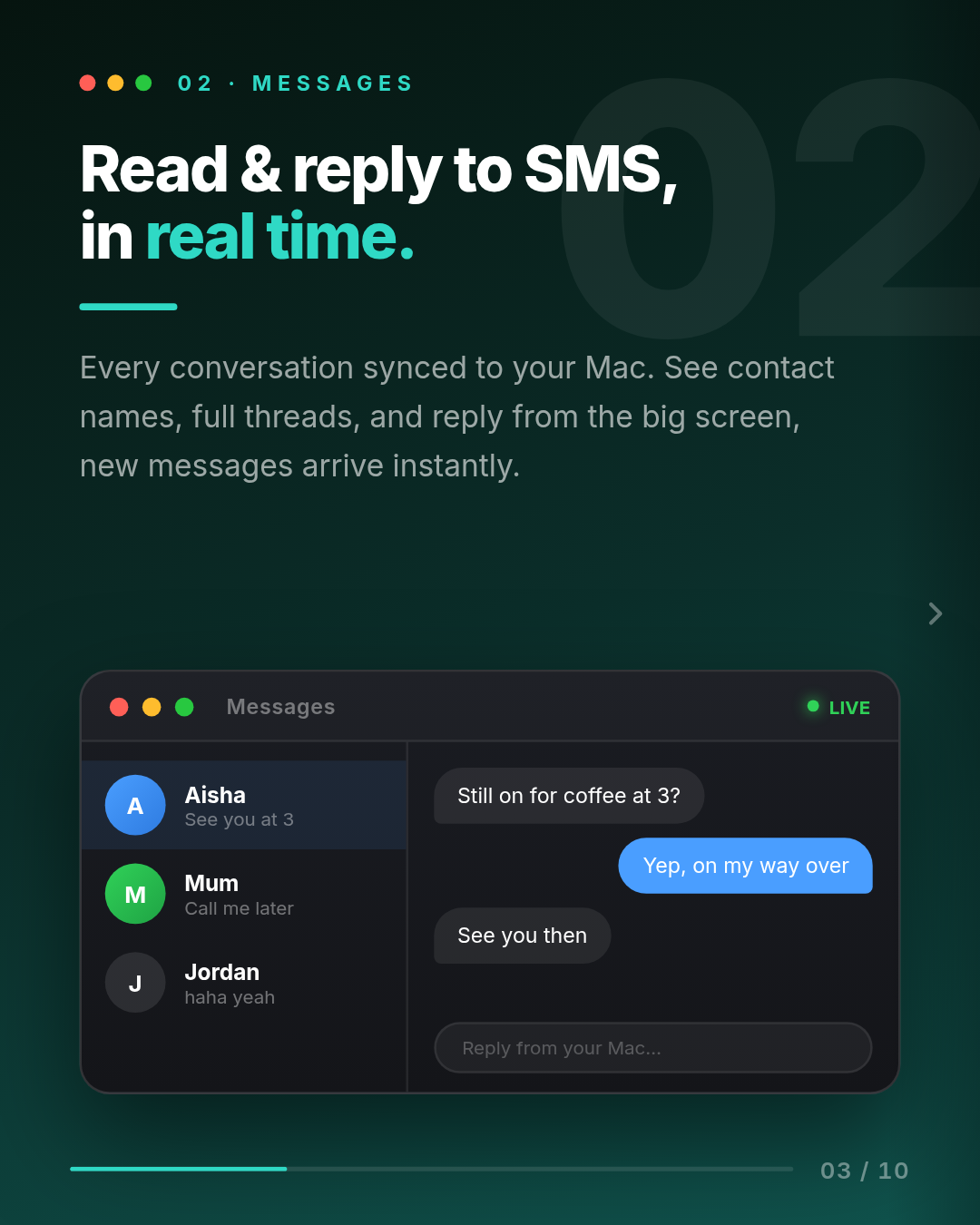
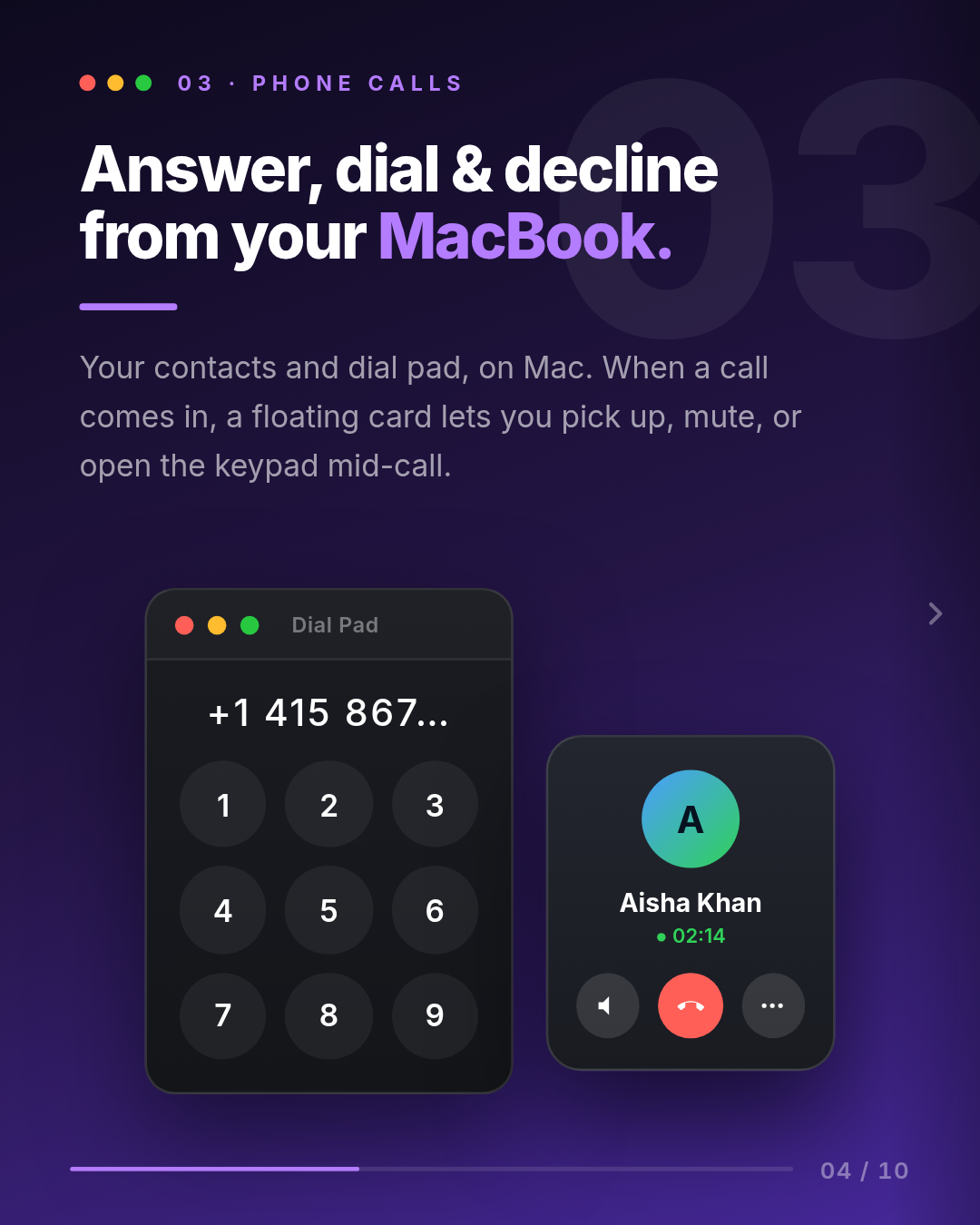
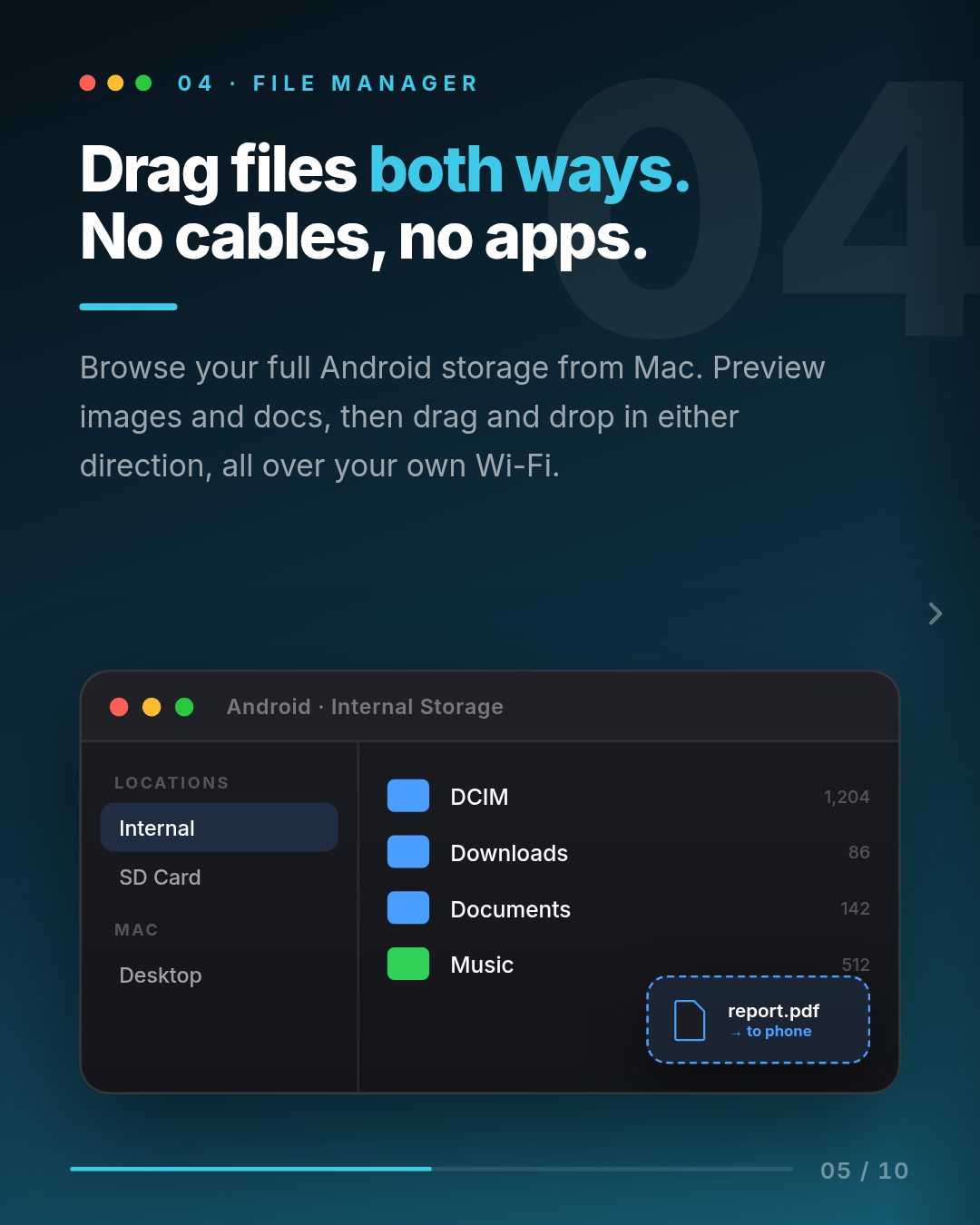
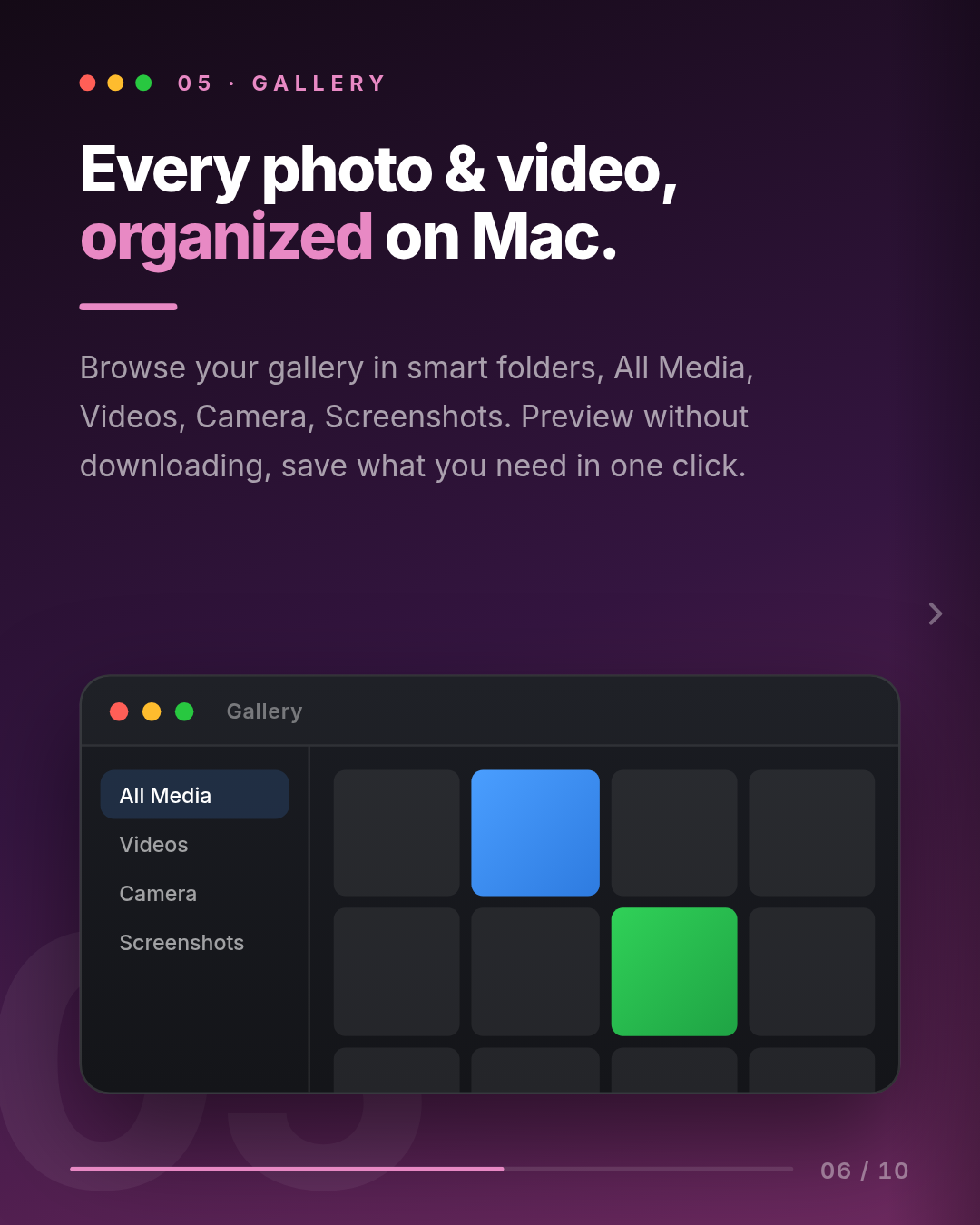
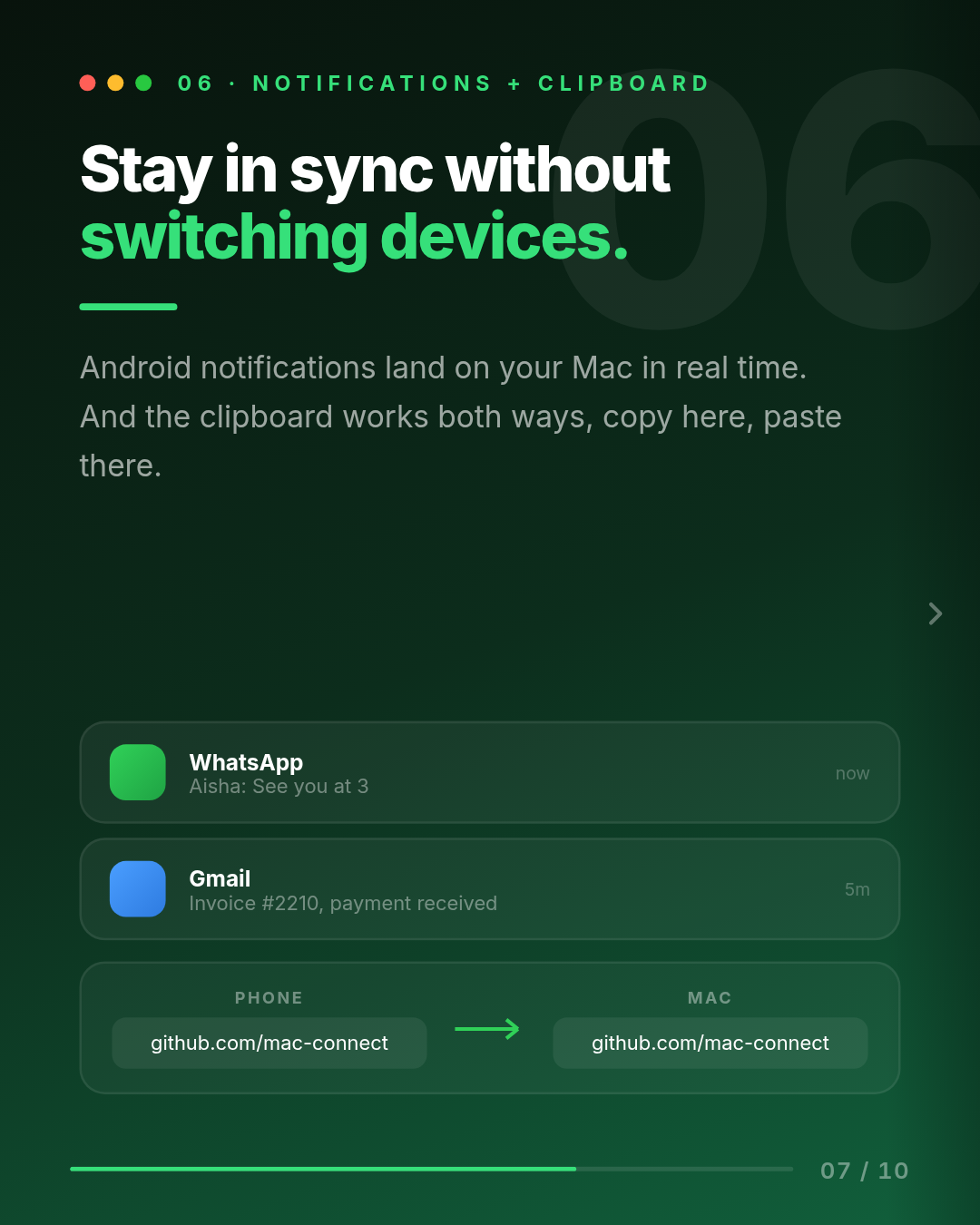
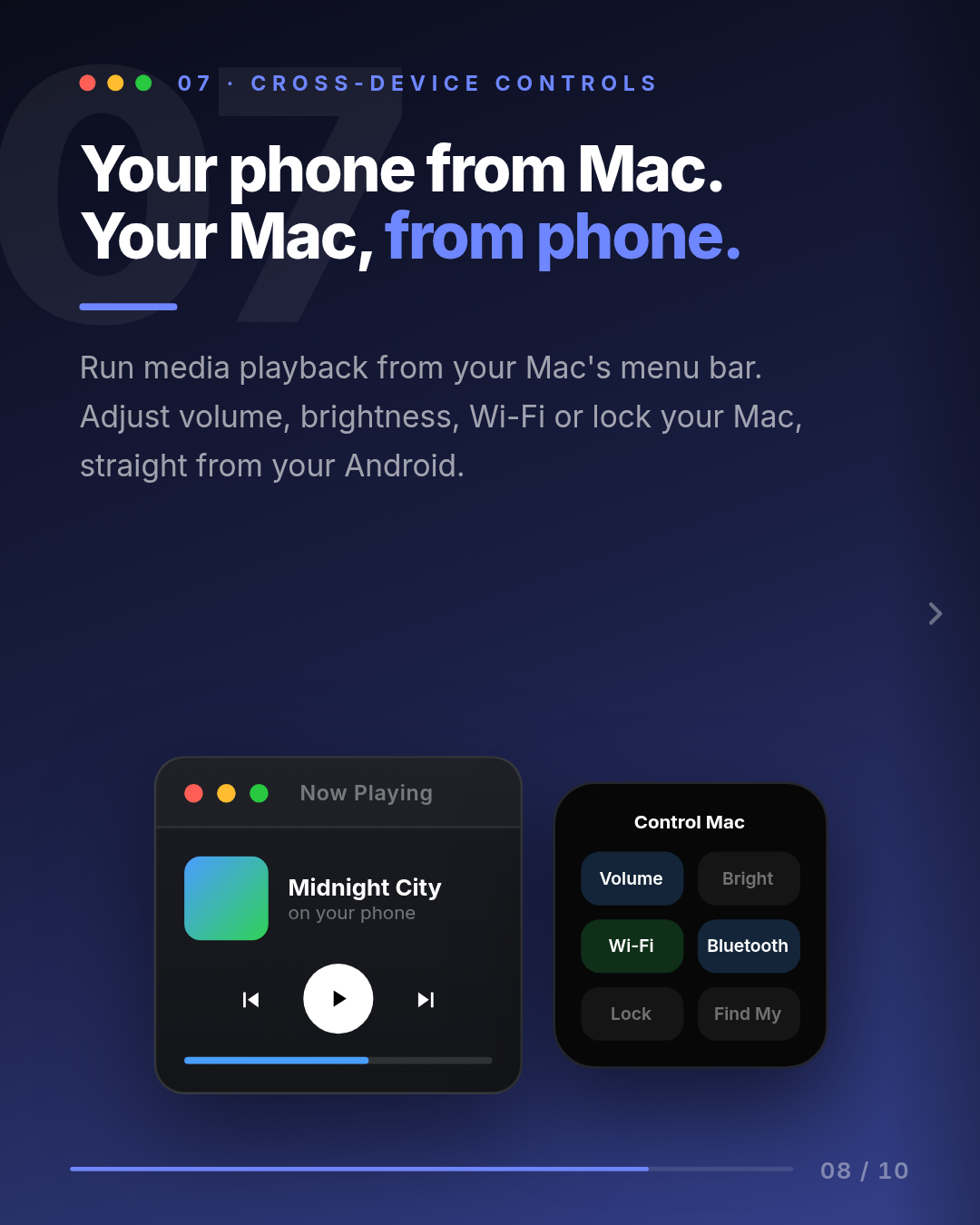
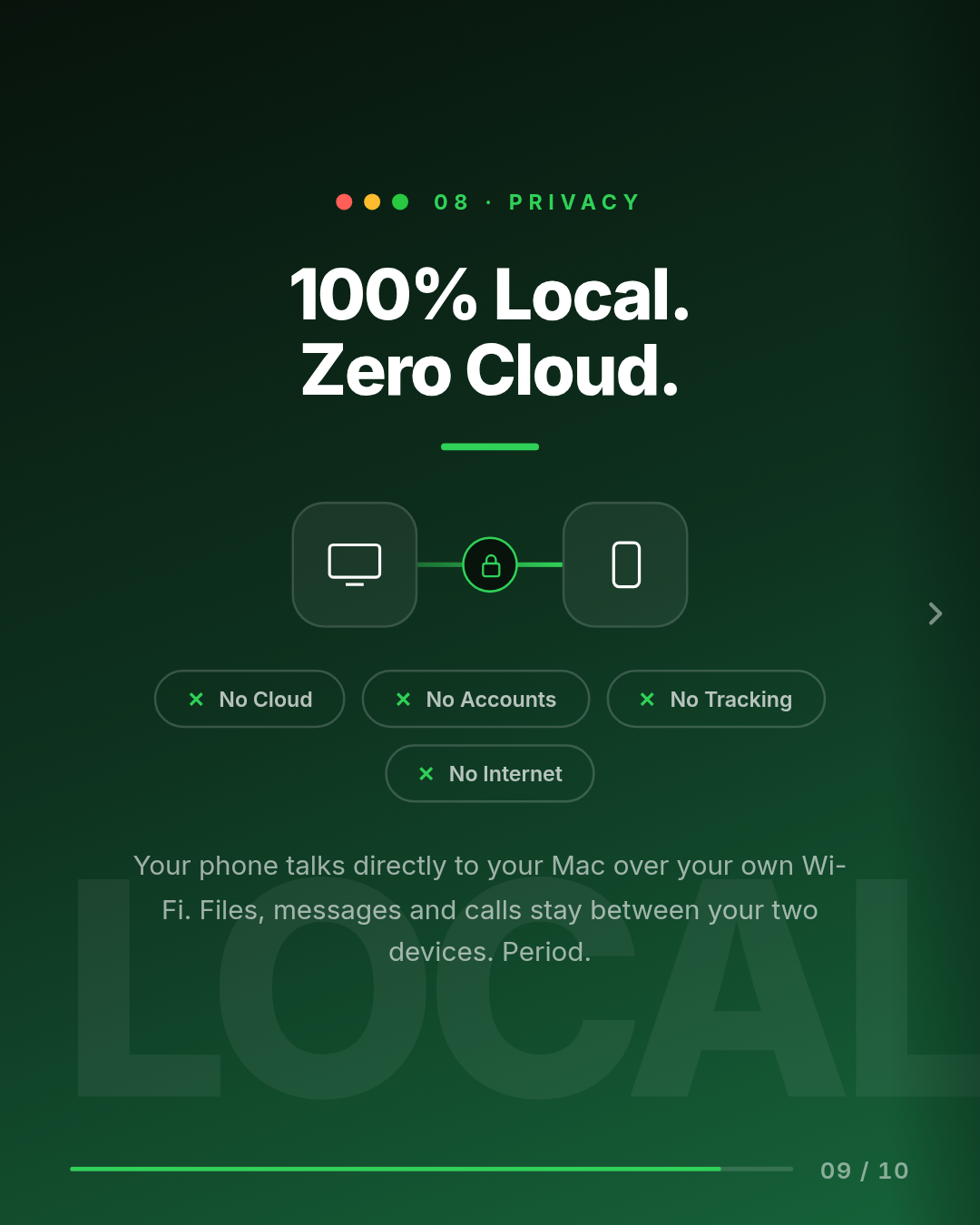
Mac Connect links your Android phone and your Mac directly over your own Wi-Fi. No cloud, no accounts, no tracking. Everything stays on your local network. Features: • Screen mirroring with full mouse and keyboard control (tap, swipe, type), plus Back, Home, Recents, wake, and lock • Calls: dial pad, contacts, recent call history, and an incoming-call pop-up with Answer and Decline right on your Mac • Messages: read and reply to SMS from your Mac in real time, with contact names • Files: browse your phone like Finder, with Quick Look previews, image thumbnails, new folder, rename, delete, and drag in and out • Gallery: your photos and videos in folders (All Media, Camera, Screenshots, Videos, and more) • Notifications mirrored to your Mac with the real app name and icon, respecting Focus and Do Not Disturb • Clipboard sync both ways, including images • Media control both directions: control phone playback from the Mac, and Mac playback (YouTube, Music, Spotify) from the phone • Control your Mac from your phone: volume, brightness, Wi-Fi, Bluetooth, lock, sleep, find-my-Mac, and live battery Pair once by scanning a QR code, then the apps reconnect automatically whenever they are on the same Wi-Fi, like a Bluetooth device.
What's New
Calls - Fixed: ending a call from the Mac sometimes crashed the whole app. Late audio packets arriving after hang-up no longer touch the stopped audio engine. - Fixed: bad echo on calls. Your own voice used to come back ~30 seconds later, robotic, when you were on AirPods. Call audio now stays on the phone (earpiece / speaker / Bluetooth) and the Mac is used only to control the call (answer, decline, mute, hang up, keypad), which removes the feedback loop. - Incoming-call pop-up on the Mac is more reliable (added a phone-side call receiver so it fires even when the phone has been idle). Dial pad - Added copy and paste: Cmd-V pastes a number (spaces, dashes and brackets are stripped automatically), Cmd-C copies, and right-click gives Paste / Copy / Clear. You can also type numbers straight from the Mac keyboard. Notifications - New: a "Phone notifications" on/off switch in the menu-bar popover. - New: per-app 30-second sound throttle — rapid messages from the same app (e.g. WhatsApp) only make one sound, so no more constant dinging. - Notifications now show the real app name and icon and respect Focus / DND. - Self-heal: the notification listener re-binds automatically after an app update; if access was fully revoked, the app prompts you to re-enable it. Staying connected / control - Fixed: losing control of the phone after a few days (could view but not control). The app now asks to be exempted from battery optimization so the system (Xiaomi/MIUI especially) stops killing it in the background, which was dropping the Accessibility service that powers control. - The app also nudges you to re-enable Notification access + Accessibility if a reinstall/update turned them off. Clipboard - Fixed: copy on phone -> paste on Mac. It now reads the clipboard through the Accessibility service (the only way Android allows background reads). - Images sync both directions. Files & gallery - Finder-style file manager: Quick Look previews (Space / double-click), image and video thumbnails, new folder / rename / delete, drag in and out. - Gallery shows photos AND videos in real folders. Other - Mac app icon fixed. - App reconnects automatically on the same Wi-Fi (no QR re-scan needed).
Initial release. • Screen mirroring plus full control (keyboard, mouse, gestures, wake, lock) • Calls, dialer, recent history, and incoming-call pop-up on Mac • SMS, Files (Finder style with previews), Gallery with folders • Notifications with real app names, clipboard sync (text and images) • Two-way media control, plus control of Mac volume, brightness, Wi-Fi, and Bluetooth from the phone • Auto-reconnect on the same Wi-Fi. 100% local, no cloud
Ratings & Reviews
No reviews yet. Be the first.
Information
- Type
- App
- Developer
- Hussain Trawadi
- Latest version
- 1.1.0
- Updated
- 13 days ago
Download at your own discretion
Applications uploaded to Dexa are not reviewed, audited, or scanned for malware. Dexa is currently operating in an MVP phase and does not guarantee the security or integrity of uploaded files. Only download and install software from builders you trust.